

What it does
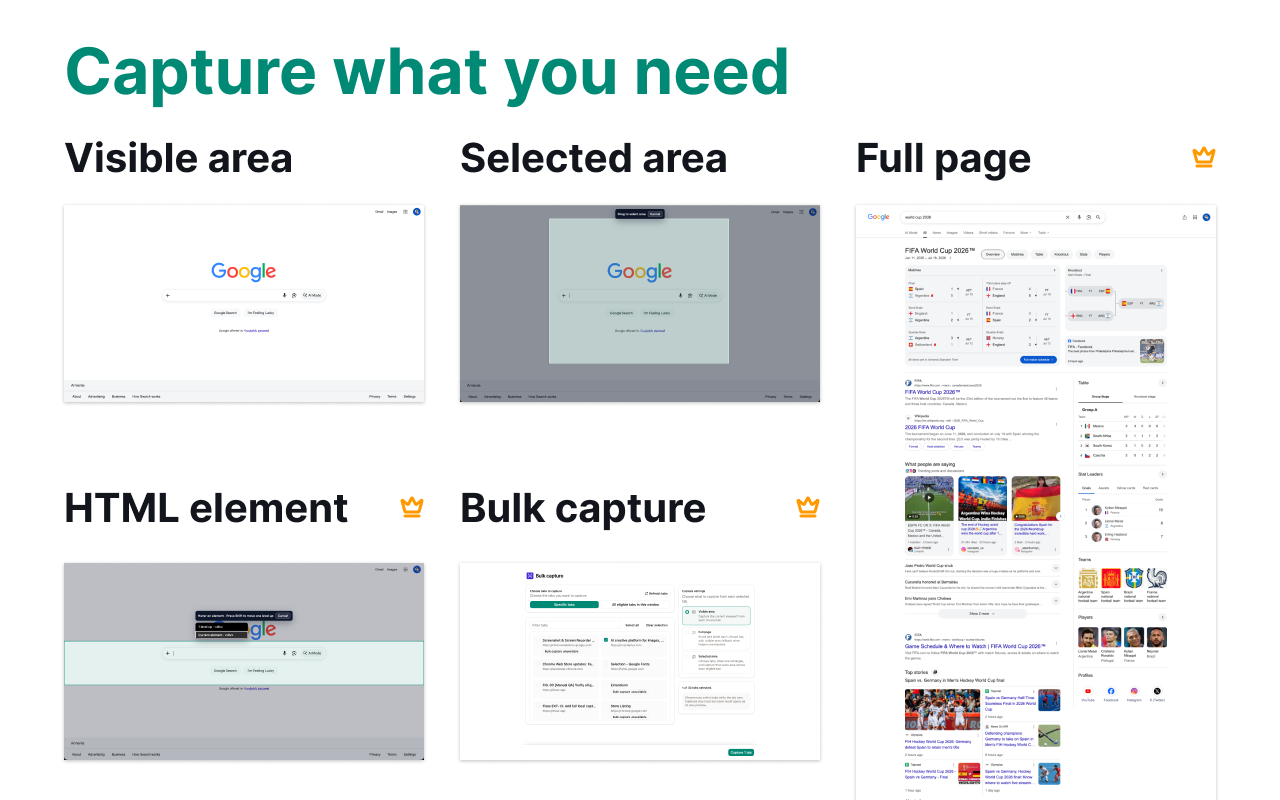
Three ways to capture
Capture the visible area, an area you select, or the whole page from top to bottom.
Edit before you save
Annotate and crop in a local editor that opens right after the capture.
Export on your computer
Save as PNG, JPEG, WebP or PDF. Captures are kept in an offline history.
Details
- Platform
- Chrome extension
- Version
- 1.14.0
- Privacy
- Privacy policy